Click on your profile picture on the top left of the F45 Training app, then click the ‘gear’ icon on the top right, then tap Lionheart > Heart Rate.
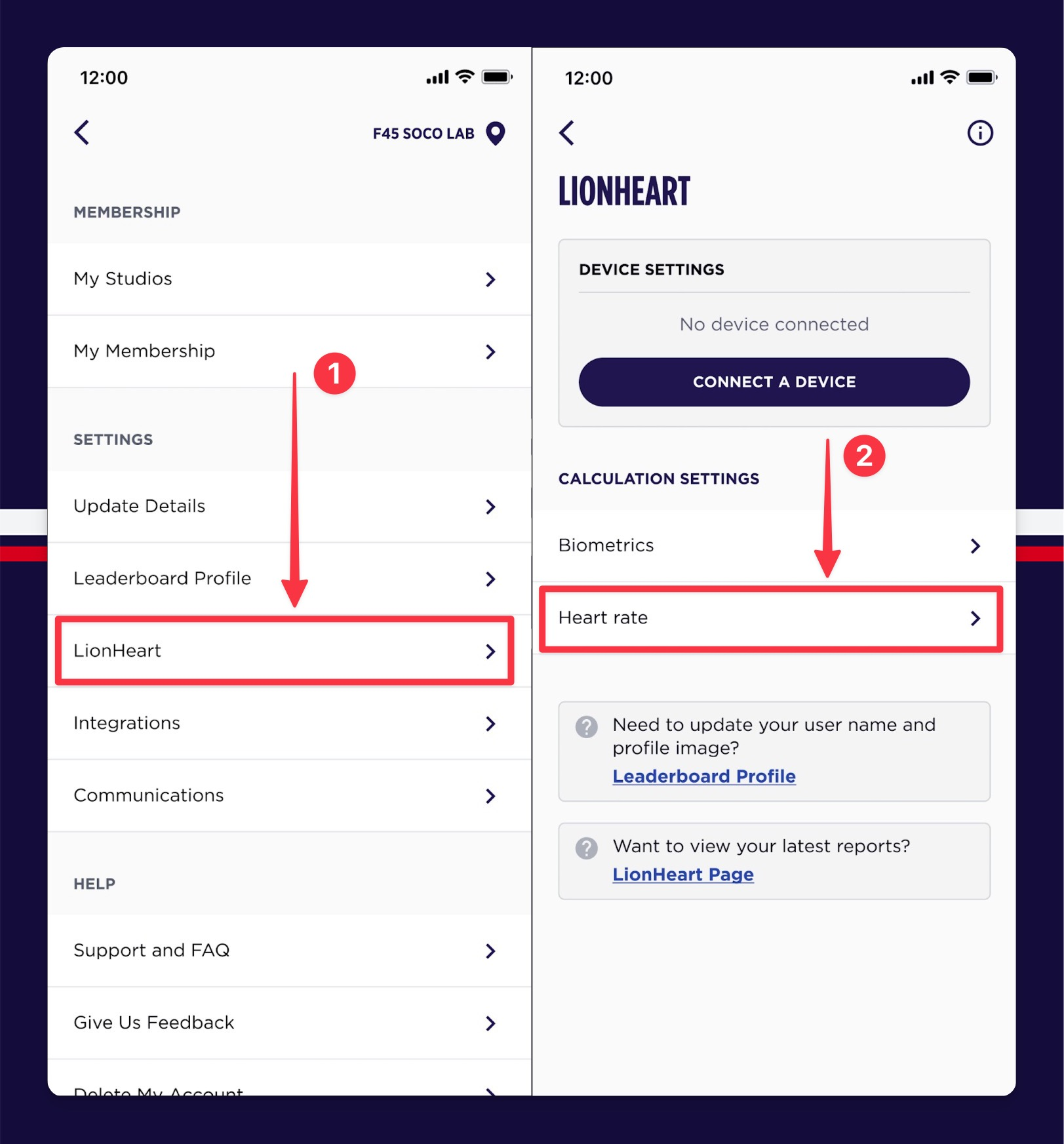

Click on your profile picture on the top left of the F45 Training app, then click the ‘gear’ icon on the top right, then tap Lionheart > Heart Rate.